Facts checked: August 2026
Quick answers
What’s the most important spec when choosing a robot vacuum?
Navigation technology is the most consequential spec, because it determines coverage completeness: LiDAR maps accurately and cleans systematically, camera SLAM is a solid cheaper step up, and gyro/bump units just wander and miss patches. Spend your budget on better navigation before suction — on hard floors and low-pile carpet, suction above about 2,500 Pa buys you nothing.
How much suction (Pa) do I actually need in a robot vacuum?
For primarily hard floors and low-pile carpet, suction above roughly 2,500 Pa buys you nothing, while medium-to-thick carpet is where 3,500 Pa or more starts to matter. On hard floors a 1,500 Pa robot cleans about the same as a 6,000 Pa one, and brush-roll design often matters more than raw suction anyway.
Is a self-empty dock worth it?
A self-empty dock is worth it if you have pets, run the robot daily, or are dust-allergic, because it stretches hands-on emptying to roughly 30-60 days — but it adds about $100-200 to the price and needs replacement bags. For one small dog, one person, and mostly hard floors, a basic dock with daily manual emptying is perfectly adequate.
Do I need a rubber brush roll if I have pets?
In a hair-heavy household a rubber or silicone tangle-resistant roll is usually the decisive choice, because it redirects hair toward the suction inlet instead of wrapping the brush the way a bristle brush does. Bristle brushes agitate embedded carpet dirt slightly better, but for pet owners the lower maintenance of a rubber roll usually wins.
Can one robot vacuum clean a multi-story home?
No single robot can climb stairs, so a multi-story home needs either one unit per floor or a LiDAR unit with multi-floor map memory that you carry between floors. LiDAR units with multi-floor map storage switch between saved floor plans most gracefully.
Prices, deals, and availability change constantly: for the current price and the right robot vacuum for your situation, see the live listings via the retailer links on this page.
Navigation technology: the spec that determines coverage completeness
How a robot vacuum finds its way around your home is the most consequential spec, and it has improved substantially over the past five years. The three main approaches are:
Gyroscope-based (random bounce)
Older and budget units use gyroscopes and bump sensors. Without a floor map, they navigate by collision, doubling back when they hit obstacles. Coverage is statistical — given enough time, they will clean most of a room, but will also cover some areas repeatedly while missing others. These units are less expensive and work adequately for simple, open floor plans with little furniture. They struggle with complex layouts, multiple rooms, and remembering where they have been.
Camera-based SLAM
Simultaneous Localization and Mapping (SLAM) using cameras allows the robot to build a visual map of its environment. Works well in well-lit rooms with distinct visual features. Performance degrades in low-light conditions and in rooms with uniform walls or surfaces (long white hallways, for instance). Camera-based units are typically less expensive than lidar and deliver substantially better coverage than gyro-only navigation.
LiDAR (laser distance sensor)
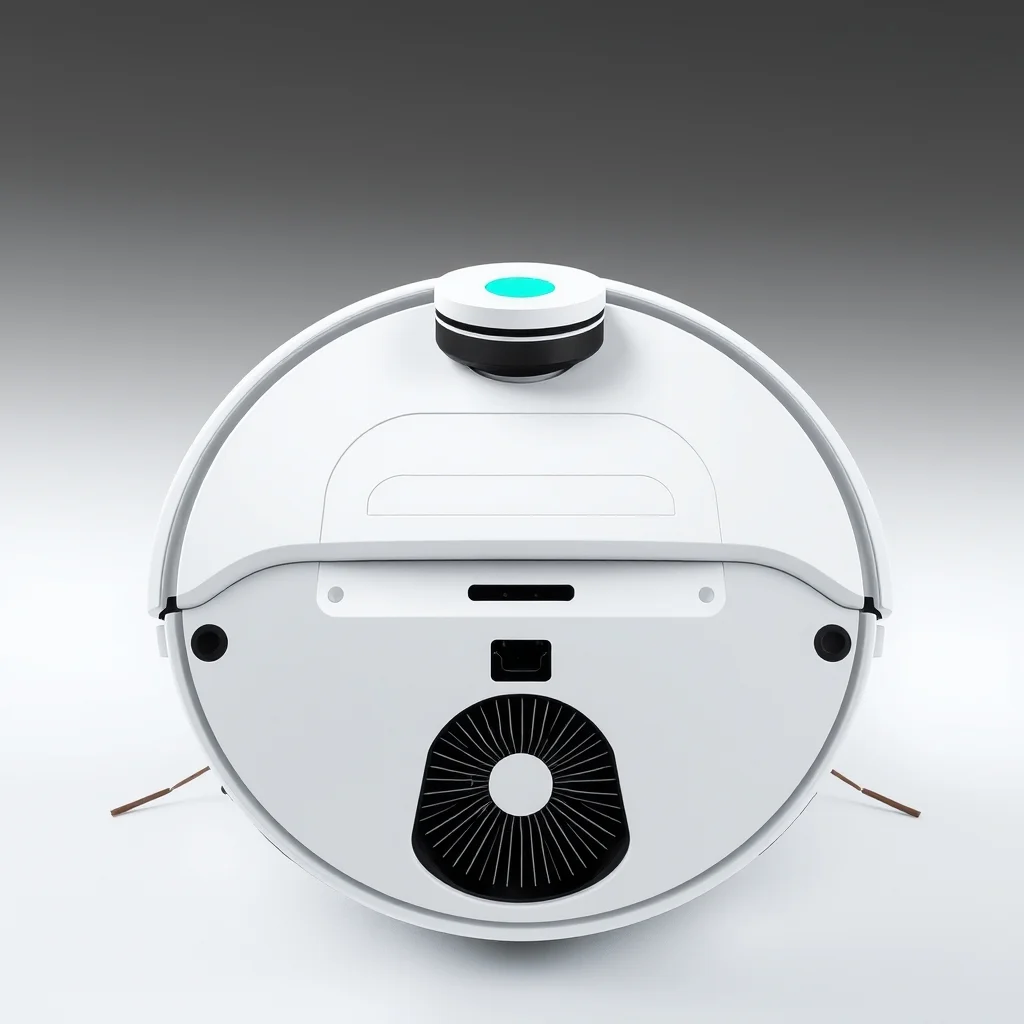
A rotating laser sensor (usually visible as a spinning turret on top of the unit) maps the room by measuring distances to walls and objects at 360 degrees. LiDAR creates accurate floor plans, handles low light, and enables features like room labeling and selective room cleaning. Coverage completion rates are typically higher than camera-only navigation. LiDAR units cost more but are the current standard in mid-to-premium robot vacuums.
| Navigation | Mapping Quality | Low Light | Complex Layouts | Price Tier |
|---|---|---|---|---|
| Gyro/bump | None | Fine | Poor | Budget |
| Camera SLAM | Good | Degrades | Good | Mid |
| LiDAR | Excellent | Excellent | Excellent | Mid–Premium |
Suction power (Pascals): what the numbers actually mean
Robot vacuum suction is rated in Pascals (Pa). Common ranges: budget units 1,000–2,000 Pa; mid-range 2,000–4,000 Pa; premium 4,000–10,000+ Pa. The marketing implication is that more Pascals means better cleaning — but this is only true for specific floor types.
On hard floors (hardwood, tile, LVP), surface debris sits loose and virtually any robot vacuum with working suction will pick it up. Differences in Pa rating are irrelevant at hard-floor cleaning tasks where 1,500 Pa performs identically to 6,000 Pa.
On low-pile carpet, suction of 2,000 Pa is sufficient for embedded dirt and pet hair. On medium-pile carpet, 3,000–4,000 Pa starts to matter. On thick or high-pile carpet, maximum suction matters more — and most robot vacuums, regardless of suction rating, perform worse on thick carpet than a standard upright vacuum.
Brush roll design: often more important than suction
Suction draws debris up; the brush roll agitates it off the floor surface first. Two brush roll types exist:
- Traditional bristle brush: Effective at agitating embedded carpet dirt but tangles aggressively with long hair, pet fur, and string. Requires frequent untangling — in a long-hair household, this can be a weekly maintenance task.
- Rubber/silicone tangle-resistant roll: Designed to redirect hair toward the suction inlet rather than wrapping around the brush. Significantly lower maintenance in hair-heavy households. Slightly less effective at deep carpet agitation than a bristle brush in some comparisons, but the maintenance advantage is usually decisive for pet owners.
Shopping for robot vacuums? Browse current eBay listings → (we earn a small commission; your price is unchanged).
Self-empty dock stations: worth it or not?
A self-empty base station automatically vacuums the robot's onboard dustbin into a larger bag or canister in the dock. The onboard bin holds roughly 400–600 mL — enough for one or two cleaning runs in a typical home, but filled quickly in high-debris conditions. With a self-empty dock, the interval between hands-on maintenance stretches to 30–60 days depending on bag capacity and household debris load.
The case for self-empty is strong if you have pets (hair fills the bin in one run), if you run the robot daily on a schedule, or if you are allergic to dust (bag emptying is the dustiest task in robot vacuum ownership — a sealed bag system in the dock keeps dust contained until bag disposal).
The case against: self-empty docks add $100–200 to the unit cost, take up significantly more floor space, and require buying replacement bags (typically $15–25 for a pack). They also fail in a specific annoying way: if the dock's bag is full and the robot completes a run, it cannot empty and will not report its bin full until you notice. For households with one small dog, one human, and mostly hard floors, a basic station with daily manual emptying is perfectly adequate.
Mop combo units
Combined robot vacuum and mop units have become common at mid-range price points. The mopping effectiveness varies considerably by design:
- Passive drag mop: A wet cloth or microfiber pad dragged passively behind the suction unit. Leaves a light damp wipe on hard floors — useful for dust and light surface residue, but does not compare to hand mopping for stuck-on dirt. No scrubbing action.
- Vibrating mop pad: The mop attachment vibrates at a high frequency while dragging, providing mild scrubbing action. Measurably better at stuck-on residue than passive drag. Still not a substitute for occasional hand mopping in kitchens, but noticeably better for daily maintenance on lightly soiled floors.
- Auto-lift mop head: Premium feature on units designed for mixed hard floor and carpet environments. The mop pad lifts automatically when the robot detects carpet, avoiding depositing dirty water on carpet fibers. Essential if you have significant carpet coverage alongside hard floors.
Battery life and floor coverage
Robot vacuums typically cover 1,500–2,500 sq ft per charge depending on floor type and navigation efficiency. Most charge in 2–4 hours and resume interrupted runs automatically (recharge-and-resume) on better navigation units. For homes under 1,500 sq ft, battery life is rarely a limiting factor. For larger homes or multi-floor coverage, look for recharge-and-resume capability and units with multi-floor map memory.
What to prioritize by household type
Hard floors primarily, minimal furniture: A camera-based or lidar unit with 1,500–2,000 Pa suction is completely sufficient. Save money on suction and spend it on better navigation. Self-empty is optional.
Carpeted rooms with a dog: Rubber brush roll (essential), 3,000 Pa minimum suction, self-empty dock (the bin will fill after every single run with active shedding). LiDAR navigation to handle furniture navigation without getting stuck.
Open apartment with hard floors: A gyro-based budget unit runs adequately in an open floor plan without furniture obstacles. The navigation limitation barely matters when there is little to navigate around. Save the budget for a self-empty dock if hands-off operation matters more than coverage precision.
Multi-story home: You need a separate unit per floor (robot vacuums cannot navigate stairs), or carry the unit between floors and rely on multi-floor map memory to switch between saved floor plans. LiDAR units with multi-floor map storage handle this most gracefully.
Robot vacuums on eBay
We earn a small commission on qualifying sales; your price is unchanged. Full disclosure.
 LiDAR Robot Vacuum
 Self-Empty Station
 Pet Hair Robot Vacuum