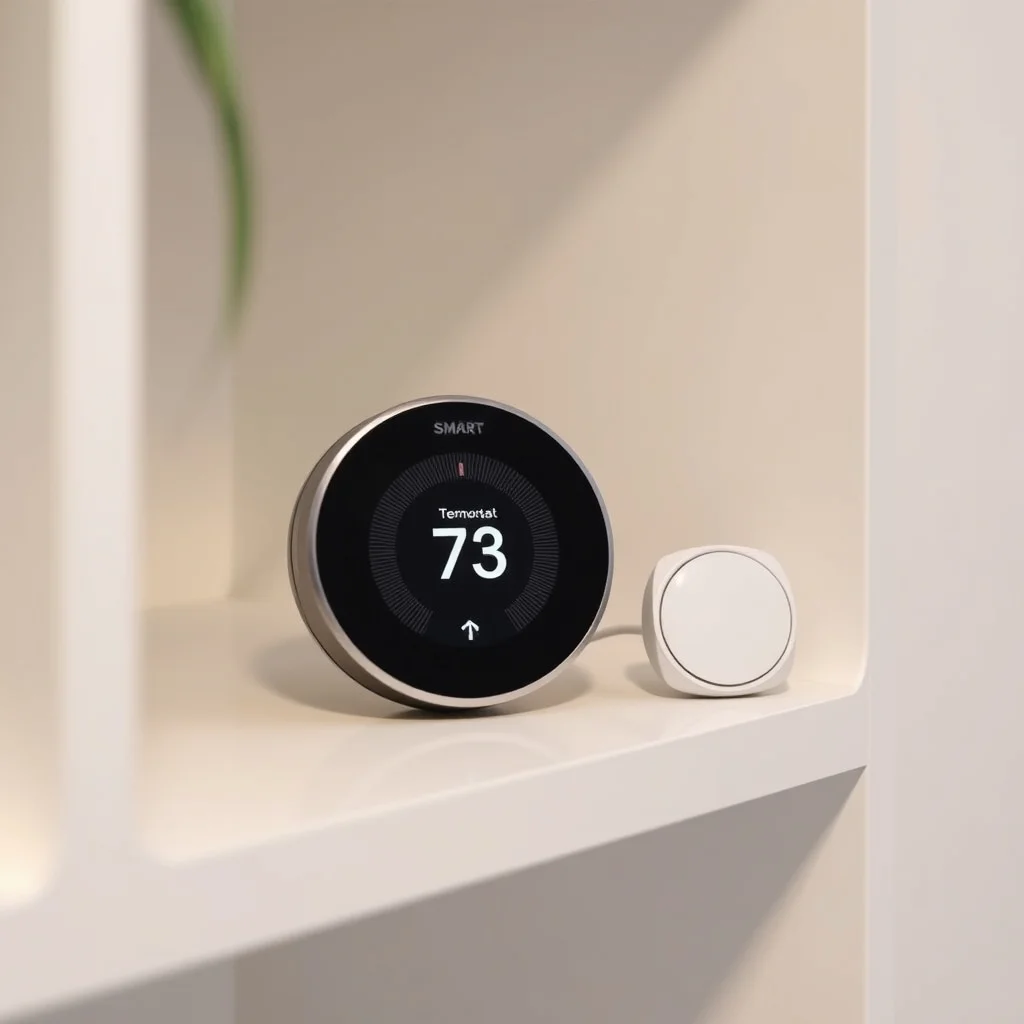
HVAC compatibility: stages, fuel types, and heat pumps
The first check before buying any smart thermostat is confirming it supports your specific HVAC configuration. Compatibility determines whether the thermostat can control your equipment correctly — not just whether it physically mounts on the wall.
Heating stages: A single-stage gas furnace has one heat output level — on or off. A two-stage furnace can run at low heat (typically 65% capacity) or high heat (100%), which improves efficiency and comfort. Some high-efficiency furnaces have three stages or variable-capacity modulation. Verify the thermostat supports the number of stages your furnace uses — a single-stage thermostat on a two-stage furnace will never use the low-stage, wasting efficiency potential.
Cooling stages: Similarly, central air conditioners can be single-stage or two-stage. Most residential systems are single-stage, but two-stage systems with matching thermostat support improve dehumidification and efficiency.
Heat pumps: This is where compatibility gets most complex. A heat pump moves heat rather than generating it, and in heating mode it can require emergency heat (typically a backup electric resistance element) when ambient temperatures drop below efficient operation range. The thermostat needs specific heat pump logic (often called "heat pump mode" or "reversing valve" support) to control this correctly. A thermostat not explicitly rated for heat pumps may not handle emergency heat or defrost cycles properly, causing incorrect operation or component damage.
| HVAC Type | What to check on thermostat spec |
|---|---|
| Gas/oil furnace, single-stage AC | Standard compatibility — most smart thermostats work |
| Two-stage furnace or AC | Verify "2-stage heat" and/or "2-stage cool" support |
| Heat pump (air-to-air) | Must show "heat pump compatible" with O/B reversing valve support |
| Heat pump with auxiliary heat | Needs aux heat (W2) terminal support + emergency heat mode |
| Millivolt system (floor furnace, gas fireplace) | Most smart thermostats are NOT compatible — needs millivolt-rated unit |
| High-voltage baseboard (120V/240V) | Requires dedicated line-voltage thermostat — low-voltage smart thermostats will not work |
The C-wire: why it matters and what to do without one
The C-wire (common wire) provides continuous 24V AC power from the air handler or furnace to the thermostat. Smart thermostats draw significantly more power than mechanical thermostats — they need power for WiFi radios, displays, and microprocessors. Without a C-wire, they can't draw continuous power.
To check if you have a C-wire: remove your current thermostat from the wall and look at the wire connections. If there's a wire connected to a terminal labeled "C," you have a C-wire. The wire is often blue, but color coding is not standardized — the terminal label matters, not the wire color.
What to do without a C-wire
Several options exist for homes without a C-wire:
- Power Extender Kit (PEK) / adapter: Some thermostats include a small adapter module that installs at the furnace/air handler and repurposes an existing wire as a C-wire equivalent. These are often proprietary to specific brands.
- C-wire adapter: Third-party adapters (sold separately) install at the furnace control board and add a common connection using existing wiring. Check compatibility with your specific equipment before purchasing.
- Add a C-wire: If your existing thermostat cable has unused wires (many 5-wire cables have a spare), an HVAC technician can connect the spare wire as a C-wire — often a quick task.
- Battery-powered thermostat: Some smart thermostats are engineered to operate on batteries without a C-wire, periodically "stealing" power from control wires. This approach can cause erratic behavior with some HVAC equipment and is generally less reliable than a proper C-wire connection.
Shopping for smart thermostats? Browse current eBay listings → (we earn a small commission; your price is unchanged).
Remote sensors: solving the single-thermostat limitation
A central thermostat measures temperature at one location — typically a hallway or central room. In real homes, temperature varies significantly by floor and room: a second floor may run 4–8°F hotter than the thermostat location in summer; a bedroom with a west-facing window may overheat in late afternoon while the thermostat reads comfortable.
Remote sensors (also called room sensors) are battery-powered wireless temperature and sometimes occupancy sensors that place in specific rooms. The thermostat averages temperature across sensors or prioritizes sensors in occupied rooms. This is one of the most impactful smart thermostat features for actual comfort in multi-room homes.
Sensor compatibility is proprietary — Ecobee sensors work with Ecobee thermostats, Nest temperature sensors work with supported Nest models. Check sensor availability and pricing before committing to a platform; sensors typically cost $30–$70 each. Some platforms limit the number of sensors per thermostat.
Scheduling vs geofencing vs learning
Three control approaches exist for automating temperature settings, and they serve different lifestyle patterns:
Schedule-based: You set temperature setpoints for each time block on each day of the week. Simple, predictable, and completely transparent about what the system is doing. Works well for households with consistent routines. Most programmable and smart thermostats support this.
Geofencing: The thermostat monitors the location of household members' smartphones. When the last person leaves a defined zone (typically a radius around the home), the system shifts to an energy-saving setback. When someone approaches, it begins conditioning the home before arrival. Works well for irregular schedules and remote workers who leave unexpectedly. Requires all household members to have smartphones enrolled in the app.
Learning: Some thermostats observe your manual adjustments over days or weeks and build a schedule automatically. The appeal is zero programming required; the practical reality is that learning thermostats can make scheduling decisions you don't expect, and correction can be more opaque than setting an explicit schedule. If you understand and want to actively manage your schedule, explicit programming often produces better results.
Ecosystem and smart home integration
Most smart thermostats integrate with one or more voice and smart home platforms. The practical considerations:
- Google Home / Google Assistant: Voice control and integration with Google's device ecosystem. Nest thermostats are Google products and integrate natively; other brands integrate via Google Home.
- Amazon Alexa: Broad thermostat support via Alexa skills. Most major brands have Alexa integration for basic voice control.
- Apple HomeKit: Tighter privacy requirements and end-to-end encryption within Apple's ecosystem. Fewer thermostats support HomeKit natively; Ecobee and some Honeywell Home models do. HomeKit automation can trigger temperature changes based on other device states.
- SmartThings / Matter: Matter (the cross-platform smart home standard) is adding thermostat support; check which devices and versions support Matter if ecosystem interoperability is a priority.
Installation basics and when to hire
Most smart thermostat installations are DIY-able if you're comfortable turning off power at the breaker and following a labeled wiring diagram. The process: photograph existing wiring, remove old thermostat, connect wires to matching terminals on the new thermostat, restore power, and follow the setup wizard.
Hire an HVAC technician if: you have a heat pump system and aren't confident about O/B wire configuration, you need to add a C-wire at the furnace control board, your system uses more wires than expected, or you discover wiring that doesn't match the manufacturer's compatibility tool results. A thermostat incorrectly wired to an HVAC system can damage the control board — the technician fee is cheap insurance on equipment worth thousands of dollars.
Search eBay for smart thermostats
 Smart Thermostat
Full-featured WiFi thermostats. Run the manufacturer's compatibility checker before purchasing.
Smart Thermostat
Full-featured WiFi thermostats. Run the manufacturer's compatibility checker before purchasing.
 With Room Sensor
Temperature averaging across multiple rooms. Key for multi-floor or large homes.
WiFi Thermostat
Remote control without full ecosystem lock-in. Good for basic app control needs.
With Room Sensor
Temperature averaging across multiple rooms. Key for multi-floor or large homes.
WiFi Thermostat
Remote control without full ecosystem lock-in. Good for basic app control needs.
 C-Wire Adapter
Adds common wire to older systems. Check compatibility with your equipment.
C-Wire Adapter
Adds common wire to older systems. Check compatibility with your equipment.
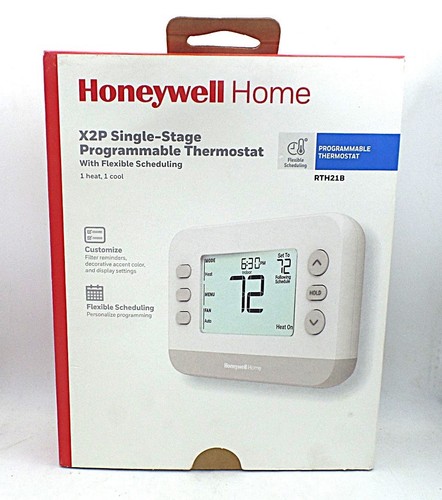 Programmable Thermostat
7-day scheduling without WiFi or app. Simple, reliable, no cloud dependency.
Programmable Thermostat
7-day scheduling without WiFi or app. Simple, reliable, no cloud dependency.