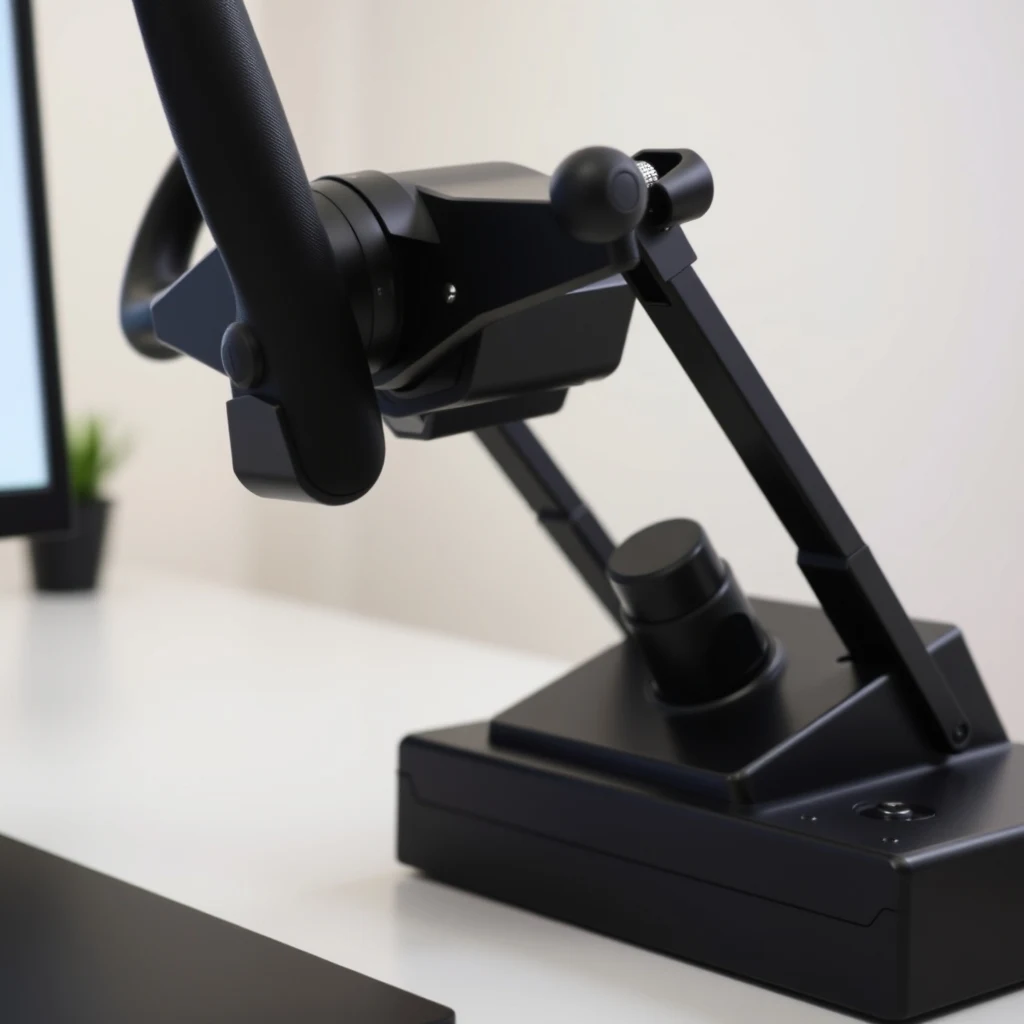
Yoke vs HOTAS stick: the first decision
This is not a preference question — it is an aircraft-type question. Yokes are used in most general aviation (GA) aircraft and commercial airliners. Control sticks (and HOTAS setups) are used in military aircraft, aerobatic aircraft, gliders, and some light sport aircraft.
If you primarily want to fly Cessnas, airliners, bush planes, and GA aircraft in MSFS or X-Plane, a yoke is the more immersive and realistic choice. The push-pull column motion and the two-handed wheel match what real GA and airliner pilots use.
If you primarily want to fly fighters, warbirds, aerobatic aircraft, or helicopters — or if you play DCS World — a HOTAS stick is the correct choice. The side-stick or center-stick grip with a separate throttle unit is what those aircraft use.
| Control type | Best aircraft genre | Primary sims |
|---|---|---|
| Yoke + throttle quadrant | GA aircraft, airliners, bush planes | MSFS, X-Plane (GA/airliner focus) |
| HOTAS stick + throttle | Military jets, warbirds, aerobatics | DCS World, IL-2, MSFS (fighter/warbird) |
| Center stick + throttle quadrant | Aerobatics, light sport, gliders | MSFS, X-Plane, Condor (gliders) |
| Helicopter collective + cyclic | Helicopters (dedicated) | DCS, MSFS (helicopter-focused) |
Yoke options: what to look for
The dominant mid-range yoke options as of the mid-2020s are the Logitech G Flight Yoke System (successor to the Saitek Pro Flight Yoke) and the Honeycomb Alpha Flight Controls. Both are desk-clamp designs in the $130–$200 range. Higher-end options include the Honeycomb Bravo Throttle Quadrant (a companion throttle system) and various sim-dedicated brands at $300–$500+.
Axis quality
The quality of the pitch (push-pull) and roll (rotate) axes determines how smoothly you can make small control inputs. Cheaper yokes use potentiometers that wear over time and develop "spike" behavior — sudden axis jumps. Better yokes use optical or hall-effect sensors that are more durable. Check reviews specifically for axis linearity and spike complaints in the model you're considering.
Column travel
The pitch axis on a yoke represents how far you can push (nose down) or pull (nose up). More column travel allows finer gradation of input, which matters for smooth landings and slow-flight control. The Honeycomb Alpha is generally regarded as having better column feel than the Logitech at similar price points, though this varies by individual preference.
HOTAS stick selection
HOTAS (Hands On Throttle And Stick) setups consist of a flight stick and a separate throttle unit designed to be used simultaneously. The Thrustmaster T.16000M FCS HOTAS is the standard entry-level recommendation in the $150–$200 range — it uses hall sensors for the stick (good for longevity) and includes a competent throttle unit. The Thrustmaster Warthog is the long-standing mid-to-high-end option at $350–$500, built around the A-10C Warthog layout.
For DCS specifically, HOTAS button layout matters — many aircraft in DCS benefit from having specific buttons on the throttle that map to aircraft systems. Check the keybinding community for the aircraft you most want to fly before choosing a HOTAS layout.
Shopping for flight sim controls? Browse current eBay listings → (we earn a small commission; your price is unchanged).
Throttle quadrants
If you use a yoke, you need a separate throttle unit. The Honeycomb Bravo Throttle Quadrant (around $250) is the current benchmark for value — it has configurable levers (throttle, prop, mixture, flaps, gear) and a built-in autopilot panel with buttons and knobs. The Logitech G Flight Throttle Quadrant (bundled with the yoke, or sold separately) is a simpler six-lever design at lower price.
The key variable in a throttle quadrant is axis smoothness and absence of dead zones. A throttle with a dead zone in the middle of travel makes setting precise power levels difficult. Test any throttle by looking at its axis output in the sim's control calibration screen — the line should be smooth and linear from end to end.
Rudder pedals: why they matter
Using a yoke twist or joystick twist for rudder control is a compromise that works passably for casual flying but becomes a real limitation for IFR procedures, crosswind landings, and realistic taxiing. Dedicated rudder pedals with toe brakes (for differential braking on landing roll and parking) dramatically improve the experience for GA and airliner flying.
Budget-end pedals (Logitech G Flight Rudder Pedals, around $100) use potentiometers and get the job done. Mid-range (Thrustmaster TFRP, VKB T-Rudder) offer better build quality. High-end pedals (CH Products Eclipse, Slaw Device) use hall sensors and have more realistic force feel.
Hall sensors vs potentiometers
Hall sensor pedals (and sticks) use magnets and have no physical contact between the sensor and the moving part. This makes them much more durable — potentiometers wear and develop spikiness over time, especially in the rudder axis which is often operated in small, quick movements. If you plan to use your pedals for more than a year of regular flying, hall sensors are worth seeking out.
Mounting: desk clamp vs cockpit frame
Most entry-level hardware uses desk clamps — a C-clamp or bracket that attaches to the desk edge. This works adequately but has real limitations: yoke clamps can slip if the desk edge is rounded or thin, throttle quadrants can shift, and pedals slide on smooth floors.
Purpose-built cockpit frames (standalone aluminum extrusion frames, typically $100–$500 depending on complexity) allow you to bolt hardware at exact positions and heights matching your chair position. They are a meaningful immersion upgrade. Several designs (Next Level Racing, Monstertech, DIY aluminum extrusion builds) are popular in the community.
Head tracking
Head tracking lets you look around the virtual cockpit by physically moving your head, which is important for landing (looking over the nose), traffic scanning, and situational awareness. The dominant solutions are:
- TrackIR (NaturalPoint): A camera-based system using IR LED clips attached to a hat or headset, tracked by a dedicated camera. Widely used, works well, typically $150–$200 for the full kit. Requires the camera to be positioned in front of you with a clear sightline to your head.
- opentrack + AI face tracking: Free software using a webcam and AI face detection to replicate head tracking without dedicated hardware. Works surprisingly well for casual use; latency is higher than TrackIR and it requires reasonable lighting.
- VR headset: The most immersive option. MSFS has solid VR support; X-Plane has competent VR. The GPU requirement is significant (high-resolution VR requires a powerful card), and the headset weight becomes fatiguing during long flights.
For sim pilots doing VFR circuits and approaches in GA aircraft, head tracking is highly recommended — the ability to look out the side window during a crosswind circuit, or look over the nose during the flare, is significant. It is less critical for IFR flying where you spend most of your time looking at instruments.
Search eBay for flight sim hardware
 Flight sim yoke
Honeycomb Alpha or Logitech G are the mid-range standards. Check axis quality reviews.
Flight sim yoke
Honeycomb Alpha or Logitech G are the mid-range standards. Check axis quality reviews.
 HOTAS throttle
Thrustmaster T.16000M for entry-level; Warthog for serious DCS/combat sim use.
HOTAS throttle
Thrustmaster T.16000M for entry-level; Warthog for serious DCS/combat sim use.
 Rudder pedals
Hall-sensor pedals last longer. Look for differential toe brakes. Strongly recommended for GA flying.
Rudder pedals
Hall-sensor pedals last longer. Look for differential toe brakes. Strongly recommended for GA flying.
 Throttle quadrant
Honeycomb Bravo is the benchmark. Check for smooth axis travel and no dead zones.
Throttle quadrant
Honeycomb Bravo is the benchmark. Check for smooth axis travel and no dead zones.
 Logitech flight yoke
The Pro Flight Yoke is a proven budget-conscious entry point. Widely supported by MSFS and X-Plane.
Logitech flight yoke
The Pro Flight Yoke is a proven budget-conscious entry point. Widely supported by MSFS and X-Plane.