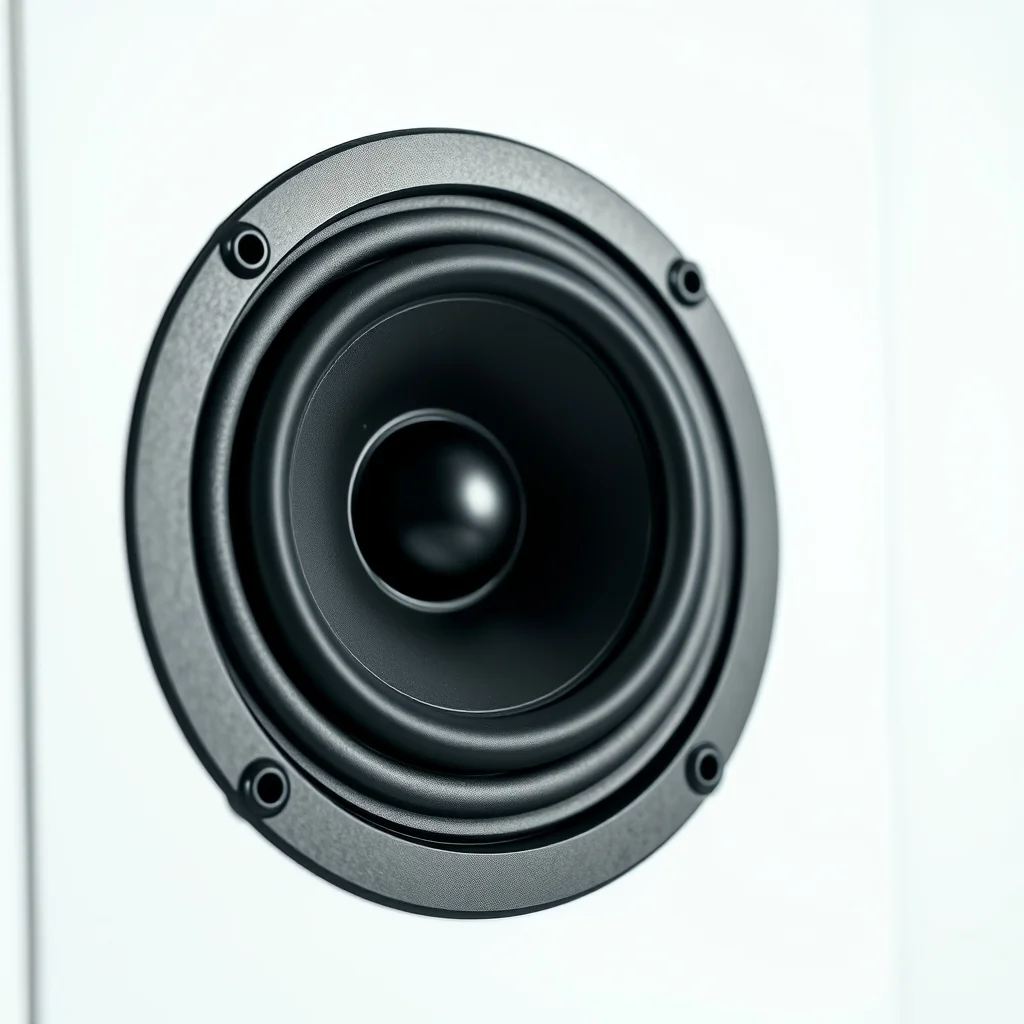
What studio monitors are for (and what they are not)
Studio monitors are designed to reproduce audio as accurately as possible without frequency enhancement. Consumer speakers (including most Hi-Fi speakers and Bluetooth speakers) typically enhance bass and treble to sound pleasing on a wide range of content. A studio monitor deliberately avoids this — you need to hear your mix honestly so you can make EQ and balance decisions that will translate to other playback systems.
This means a studio monitor that sounds "flat" or even slightly harsh on first listen is likely doing its job. A monitor that sounds immediately warm and pleasing is often coloring the audio in ways that will cause problems when your mix is played back on car speakers, headphones, or a soundbar. The goal is translation: mixes made on accurate monitors should sound good on most playback systems, not just sound good in the studio.
Driver size and room size
Woofer driver size determines bass extension and output level. A larger woofer moves more air and can reproduce lower frequencies at higher volumes without distortion. But a larger woofer also creates more powerful low-frequency sound waves that interact with your room in ways that are harder to control.
The general near-field matching principle: match the woofer size to your room size and typical listening distance. In a small room (roughly under 12 feet in any dimension) or with a listening position within 4–5 feet of the monitors, a 5-inch woofer is typically the right choice. In a medium room (12–15 feet) at 5–7 feet listening distance, a 7- or 8-inch woofer works well. Larger rooms with more acoustic treatment and further listening positions (mid-field monitoring) call for 8-inch or larger.
Why does larger cause problems in small rooms? Bass frequencies build up in room corners and at specific resonant frequencies determined by room dimensions (room modes). A larger woofer playing more bass energy in a small room creates stronger, harder-to-damp resonances that color what you hear. With a 5-inch monitor in a small room, the lower bass extension is reduced, which is a real limitation — but the bass you do hear is more controlled and consistent across the listening position. With an 8-inch monitor in the same small room, you hear more bass, but it is unreliable — walk around the room and the bass level changes drastically.
Ported vs sealed enclosures
A sealed (closed) speaker enclosure has no port or vent in the cabinet. Bass rolls off gradually below the woofer's resonant frequency. A ported (vented, or reflex) enclosure has a tuned port that extends bass output by using the rear wave of the woofer constructively. The port is tuned to a specific frequency to boost bass extension at the low end.
Sealed
Sealed monitors roll off more steeply in the low bass but do so in a predictable way. The roll-off is smooth and consistent across listening positions. They tend to be easier to place in rooms because the bass behavior is simpler to understand and control. They also tend to have better transient response (tighter bass) because the sealed enclosure provides more air spring resistance for the woofer.
Ported
Ported monitors extend bass further down but the port tuning means bass behavior changes around the port frequency in more complex ways. Ported monitors are also more sensitive to placement near walls — the port's output is omnidirectional, so rear-wall proximity affects bass balance. Most near-field monitors today are ported. Some offer a port plug to convert them to sealed operation for tight-corner or near-wall placement.
Shopping for studio monitors? Browse current eBay listings → (we earn a small commission; your price is unchanged).
Powered vs passive
Powered (active) monitors include a built-in amplifier. The amplifier is matched to the specific drivers by the manufacturer, which typically means better performance per dollar at any given price point and fewer variables to manage. For home studios and project studios, powered monitors are the default choice.
Passive monitors require an external power amplifier. This was the historic studio standard — large facilities had separate amp racks because amplifier technology was improving faster than it could be integrated into speaker cabinets, and the flexibility to swap amplifiers was valuable. For home studio use, passive monitors require spending on both the speaker and the amplifier, which typically results in worse performance per dollar than a comparably-priced active system. Passive monitors remain relevant in mid-field and main monitoring setups in professional facilities, or when an existing high-quality amplifier can be repurposed.
Placement and near-field basics
Near-field monitoring means placing the monitors close to the listening position — typically 3–5 feet away — so that the direct sound from the monitor reaches the ears before significant reflected energy from room surfaces builds up. This reduces (but does not eliminate) the influence of room acoustics on what you hear.
The equilateral triangle rule: the two monitors and the listening position should form an equilateral triangle. The monitors should be angled (toed in) to aim at the listening position. The tweeters should be at ear height. Both monitors should be the same distance from side walls where possible — asymmetric placement creates asymmetric bass buildup between left and right, which makes low-frequency mixing decisions unreliable.
Desk placement and isolation
Placing monitors directly on a desk surface allows the desk to act as a reflector, reinforcing certain frequencies (particularly in the 200–400Hz range) and causing a comb-filter effect called "console effect" or "desk bounce." Monitor isolation pads (foam or rubber) decouple the monitor from the desk and typically tilt the monitor back slightly to aim the tweeter at ear level. This is one of the most cost-effective acoustic improvements available — more so than any electronic room correction system.
Wall proximity and bass buildup
Every ½ wavelength of distance between the monitor and a parallel wall creates a bass-frequency peak or dip due to boundary reflection. Placing monitors close to the rear wall (within 2 feet) causes significant low-frequency buildup. The standard advice is to get the monitors as far from the rear wall as your room allows. If this is not possible, a ported monitor with a port plug (to reduce bass extension) or a sealed monitor is preferable to a large-port ported design that compounds the boundary buildup.
Acoustic treatment: why it matters more than the monitor
Room treatment addresses the acoustic behavior of the room itself — absorption of early reflections, control of bass resonances (room modes), and diffusion to avoid a dead, anechoic-sounding space. A mid-tier monitor in a well-treated room typically produces more reliable mixing decisions than a high-end monitor in an untreated room, because the monitor's frequency response is reaching the ears accurately rather than being colored by room resonances.
The highest-priority treatment in a typical small room: bass traps in corners (floor-to-ceiling foam or mineral wool in the corners, where bass energy concentrates), absorption panels at the first reflection points on the side walls (where sound from the monitors bounces off the side wall toward the ears), and a panel behind the listening position to prevent flutter echo. These three interventions address the most common acoustic problems in small square or rectangular rooms.
Shop studio monitors on eBay
We earn a small commission on qualifying sales; your price is unchanged. Full disclosure.
 Studio monitors pair
Matched near-field pair. Buy same run where possible. View on eBay →
Powered studio monitors
Built-in amp matched to drivers. Home studio standard. View on eBay →
Studio monitors pair
Matched near-field pair. Buy same run where possible. View on eBay →
Powered studio monitors
Built-in amp matched to drivers. Home studio standard. View on eBay →
 KRK Rokit
5", 7", 8" variants. G4 adds DSP room correction. View on eBay →
KRK Rokit
5", 7", 8" variants. G4 adds DSP room correction. View on eBay →
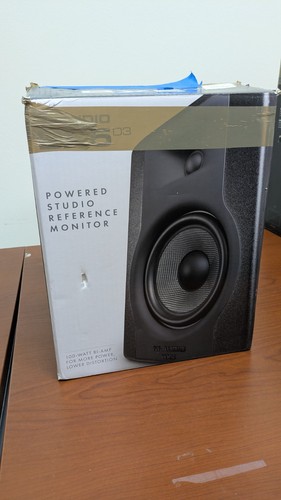 Studio monitor 5 inch
Best match for rooms under 15 feet. Near-field 3–5 feet. View on eBay →
Studio monitor 5 inch
Best match for rooms under 15 feet. Near-field 3–5 feet. View on eBay →
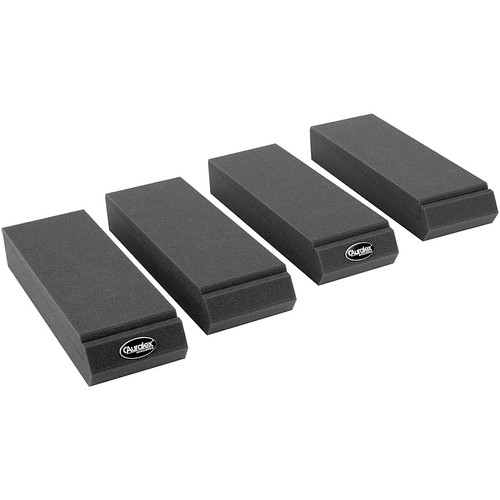 Monitor isolation pads
Decouple monitors from desk. High value-to-cost upgrade. View on eBay →
Monitor isolation pads
Decouple monitors from desk. High value-to-cost upgrade. View on eBay →