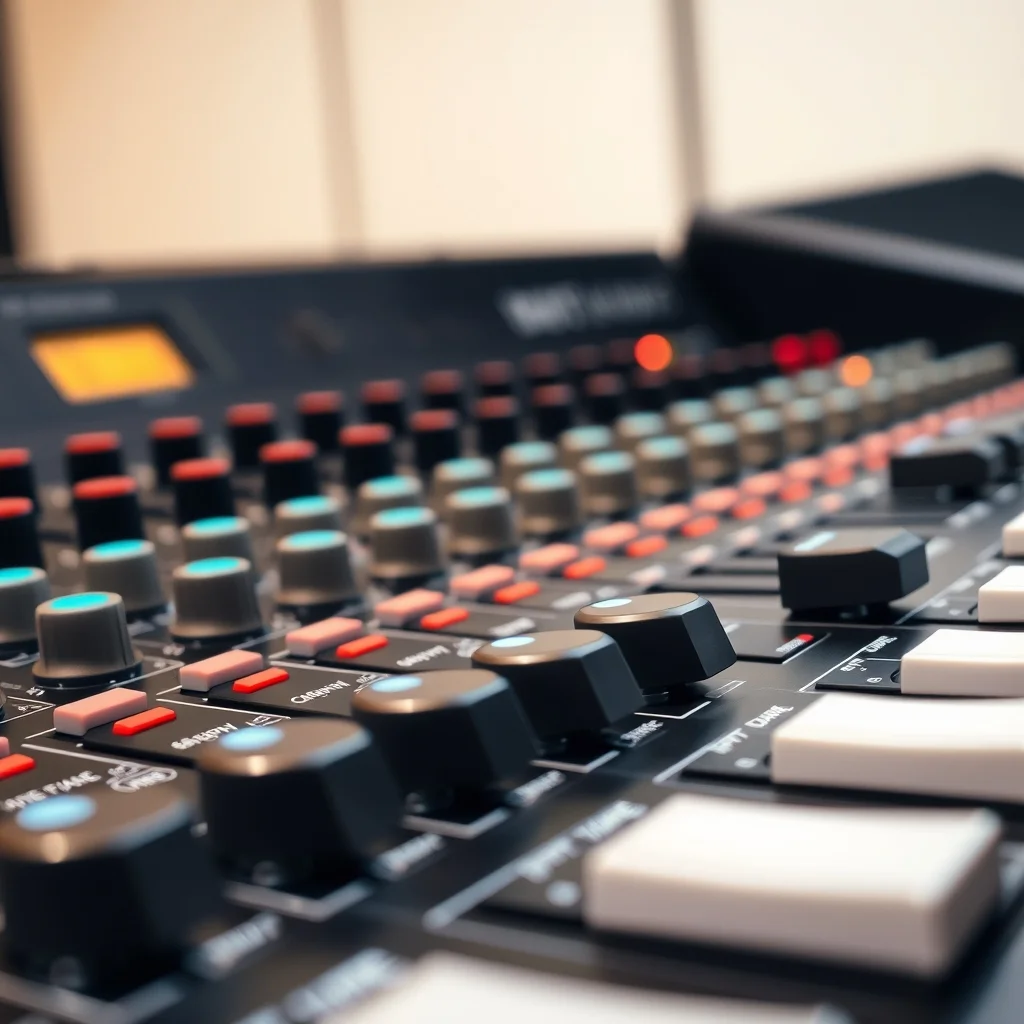
The architecture decision: controller vs standalone
Most beginner DJ gear discussions jump directly to product recommendations without explaining the fundamental architecture question: are you buying a laptop peripheral (controller) or a standalone system (CDJ players + dedicated mixer)?
A DJ controller is a USB device that connects to a laptop running DJ software. The controller has jog wheels, faders, knobs, and pads, but it does not process audio independently — all audio routing and DSP happens in the software on the laptop. The controller is essentially a hardware interface for the software. Remove the laptop and the controller is silent.
A CDJ (compact disc/media player) + mixer setup is a standalone system. Each CDJ plays audio files from a USB drive or SD card independently. The mixer receives audio from the players and routes it to speakers. No laptop is required during performance. Software is used beforehand to organize and analyze your music library, but the performance itself runs entirely on hardware.
The implications: A controller setup is significantly cheaper, more portable, and easier to learn on. A CDJ+mixer setup is the industry standard in professional clubs — most venues with a DJ booth provide CDJ-2000NXS2 or similar players plus a DJM mixer. Learning on Pioneer CDJ-format hardware means arriving at most professional venues and knowing the exact layout of what is in the booth.
Software compatibility and lock-in
DJ controller manufacturers typically pair their hardware with specific software, and the tightest integration (dedicated performance modes, screen mirroring, hardware controls that activate software-specific features) only works with the paired software. The three major software platforms are:
Rekordbox (Pioneer DJ)
Rekordbox is the Pioneer DJ ecosystem's library management and performance software. Pioneer's DDJ series controllers are designed around Rekordbox. The Rekordbox library format is also what CDJ players read natively — so building your library in Rekordbox is the natural path if you plan to gig on club CDJs. Rekordbox has a free tier for library management and controller use; performance features beyond basic two-deck mixing often require a paid plan.
Serato DJ
Serato is a long-standing industry standard DJ software, historically associated with vinyl DJing (the original DVS, or digital vinyl system, used Serato). Many hardware controllers from multiple brands support Serato. It is the dominant software in scratch DJ culture. Serato hardware integration is typically tight when the manufacturer has partnered with Serato specifically. Like Rekordbox, Serato has a free tier and paid expansion packs for additional features.
Traktor (Native Instruments)
Traktor is Native Instruments' DJ software, associated with the Traktor Kontrol hardware line. It has historically had a strong following in the techno and electronic music production community because of its deep integration with Ableton Live workflows. Native Instruments has shifted focus in recent years, and Traktor's market share has narrowed vs Rekordbox and Serato, but its hardware and software still function well and have an active user base.
Jog wheels: size and resolution
The jog wheel is the circular platter on a DJ controller or CDJ. It is used for cueing (scrubbing through a track to find the right position), pitch-bending (nudging a track slightly faster or slower to match beats), and scratching (on controllers/turntables that support it). Jog wheel quality is one of the primary hardware differentiators across price points.
Size matters: a larger jog wheel gives more surface area and more precise control per degree of rotation. Professional CDJ-2000 players have 222mm (roughly 8.75") jog wheels. Entry-level controllers often have jog wheels in the 120–150mm range. Mid-tier controllers (Pioneer DDJ-800, DDJ-1000 level) have jog wheels closer to the CDJ size and feel. The size difference is most noticeable for scratching — small jog wheels make scratch technique imprecise.
Touch sensitivity: Some jog wheels are touch-sensitive across the full face (you can slow a track by resting your palm on the top of the jog while it spins — the "jog top" touch function). Others only respond to touch on the rim. CDJ jog wheels behave a specific way that experienced DJs have muscle memory for; controllers that replicate this behavior most closely are said to be better "prep" for club work.
Shopping for DJ gear? Browse current eBay listings → (we earn a small commission; your price is unchanged).
Channel count and mixer configuration
Most entry to mid-tier DJ controllers are two-channel (two decks, one crossfader). This is sufficient for standard two-deck DJing — playing one track while the next cues up, transitioning between them. Four-channel configurations (DDJ-1000, DDJ-SX3 level) add two additional channels, enabling four-deck DJing, adding a third or fourth source (live instrument, extra player), or using two channels as a standard mixer for sources outside the software.
For standalone mixer+player setups, two-channel mixers work with two CDJ players. Four-channel mixers (DJM-750MK2, DJM-900NXS2 level) accommodate up to four players and additional sources. Most club booths use four-channel mixers to support multiple DJs and setups simultaneously.
EQ configuration on DJ mixers is typically three-band (bass, mid, treble) with kill switches that cut individual bands entirely — this is different from a studio mixer and is used for transitions (killing the bass before mixing in the next track to avoid bass frequency clashes).
Outputs: what connects to what
A controller or mixer needs to connect to speakers or a venue PA. The relevant outputs:
- Master output: The main L/R output going to powered speakers or the venue PA. Typically XLR balanced on professional equipment, RCA unbalanced on entry-level controllers. XLR is preferred for long cable runs — it rejects interference that RCA picks up.
- Booth output: A separate output level-controlled independently from master, feeding the monitor speakers in the DJ booth. Allows the DJ to hear themselves at a different level from the main room volume.
- Headphone output: For cueing — previewing the next track before it goes to the master output. Volume and mix (cue/master blend) are controlled separately from the master output.
- Phono/line inputs: For connecting turntables (phono level, requires RIAA preamp) or additional line-level sources. Entry controllers often lack phono inputs; standalone mixers typically have both.
Buying used DJ gear
DJ controllers from major manufacturers (Pioneer DDJ series, Denon SC series) hold up well secondhand. The main items to check: jog wheel responsiveness (unresponsive sectors from wear), crossfader feel (crossfaders are the highest-wear component), and all fader/knob function. Most brands sell replacement crossfaders as serviceable parts. Mixer pots and faders can be cleaned with contact cleaner for channel noise. Pioneer and Allen & Heath mixers in particular are known for longevity when maintained.
Shop DJ gear on eBay
We earn a small commission on qualifying sales; your price is unchanged. Full disclosure.
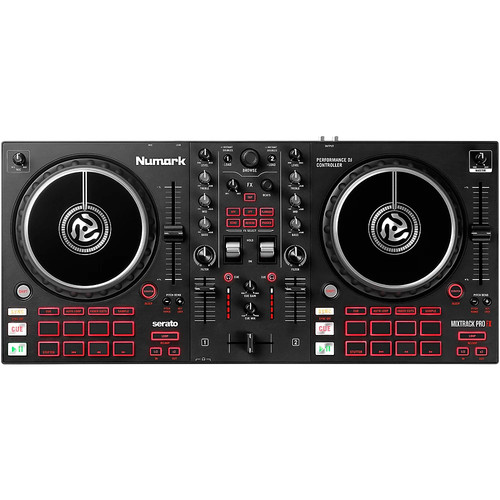 DJ controller
All-in-one USB controller — best value entry point. View on eBay →
DJ controller
All-in-one USB controller — best value entry point. View on eBay →
 Pioneer DJ controller
DDJ series. Club-transferable layout. Rekordbox-native. View on eBay →
Pioneer DJ controller
DDJ series. Club-transferable layout. Rekordbox-native. View on eBay →
 DJ mixer 2 channel
Standalone mixer for CDJ/turntable setups. View on eBay →
DJ mixer 2 channel
Standalone mixer for CDJ/turntable setups. View on eBay →
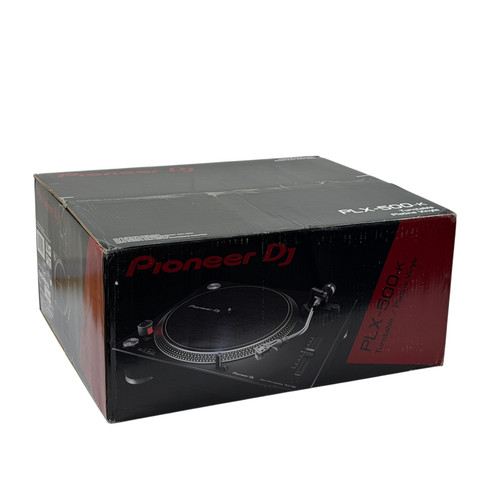 DJ turntable
Direct-drive for vinyl or DVS. View on eBay →
DJ turntable
Direct-drive for vinyl or DVS. View on eBay →
 DJ headphones
Closed-back, swivel cup, high isolation for cueing. View on eBay →
DJ headphones
Closed-back, swivel cup, high isolation for cueing. View on eBay →