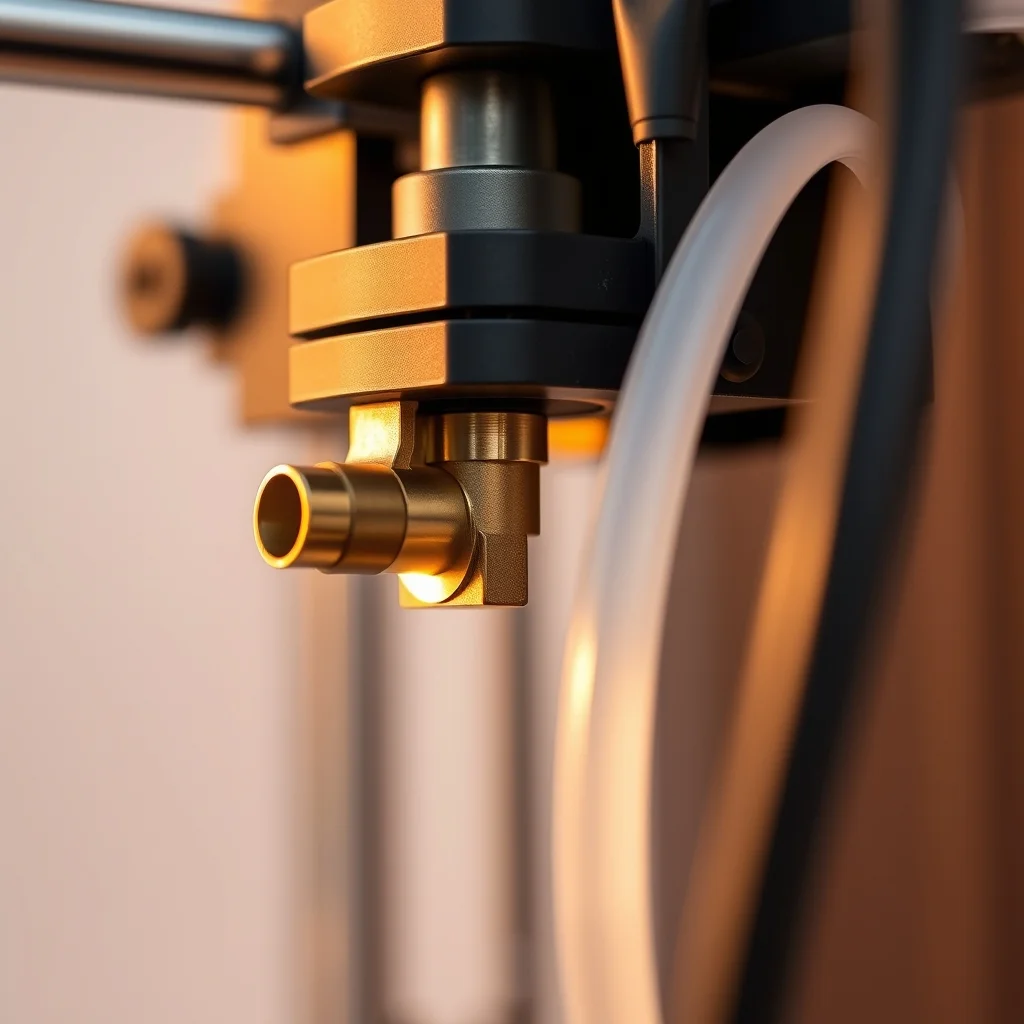
What actually wears out on a 3D printer
The 3D printer market is unusual: machines are sold used after thousands of hours of service, often by people who upgraded rather than because the printer failed. That means good deals exist. But the consumables and wear parts vary significantly between platforms, and a listing photo rarely shows you the nozzle tip, the PTFE tube, or the lead screw coupler.
Before paying for any used FDM printer, you want to understand the condition of five systems: the extruder drive (hobbed gear or dual-drive gears), the hotend and PTFE path, the motion system (lead screws or linear rails), the print surface, and the mainboard/firmware. Each of these has different replacement costs and different failure signatures.
Universal inspection checklist
Extruder drive gear
The hobbed bolt or Bondtech-style dual-drive gear that bites into filament accumulates debris and can wear the teeth flat over time, particularly when printing abrasive materials like carbon-fiber filled or glow-in-the-dark filaments. Ask the seller what filaments they ran. On most platforms, the extruder gear is a $10–$30 part, but worn teeth cause inconsistent extrusion that looks exactly like a more expensive problem. Inspect the teeth with a loupe or macro lens photo.
PTFE tube condition
For any printer with a PTFE-lined hotend (nearly all budget and mid-range machines, including the MK3S+ and Ender 3), the PTFE tube inside the heatbreak degrades at temperatures above roughly 240°C. It also acquires an internal bore that mushrooms at the cold-end entry point after the filament path wears it. A discolored, yellowed, or widened-bore PTFE tube is a sign of heavy use at high temperatures. Replacement costs $3–$15 depending on platform; the issue is knowing to check it.
Lead screw condition
Cartesian printers like the Prusa MK3S+, Ender 3, and most budget machines use T8 or similar trapezoidal lead screws to drive the Z axis. Wear on the nut or lead screw threads produces Z wobble — a regular banding artifact in prints that spirals at the thread pitch. Inspection: rotate the lead screw by hand with the Z motor disconnected and feel for tight spots or play. Examine the brass nut for worn or chipped threads. A replacement T8 lead screw and nut is inexpensive; the nuisance is diagnosis.
Print surface
PEI steel sheets, glass beds, and BuildTak surfaces all wear. Deep gouges from tools, delaminated PEI coating, or a glass bed that has been thermally shocked too many times will cause first-layer adhesion failures. On a Prusa, the removable spring-steel PEI sheet costs roughly $25–$45 to replace. On an Ender 3, the stock glass bed is cheap and widely available. Inspect under raking light or photograph the surface at a low angle.
Firmware and mainboard
Ask for the firmware version and whether any modifications were made to the configuration. On Prusa machines, the official firmware is openly versioned and easy to verify. On Creality machines, custom Marlin builds are common and quality varies. A machine running a misconfigured firmware — wrong thermistor table, wrong steps/mm after an extruder swap, incorrect bed size — will behave erratically in ways that look like hardware failures. Request a test print of a benchy or calibration cube before purchase if possible.
Platform-specific notes
Prusa MK3S+
The MK3S+ is probably the most serviceable used printer to buy. Prusa Research sells every replacement part individually through their online store, and the printer is extensively documented. The upgrade path from MK3S+ to MK4 is clear. On a used MK3S+, the most common wear items are the PTFE heatbreak liner (replace proactively on any used unit), the SuperPINDA probe (a known longevity item — verify it triggers consistently), and the extruder Bondtech gears. The MK3S+ is a good candidate for a "refresh" — buying a used machine at a discount and ordering the consumable kit from Prusa.
The MK3S+ uses a PINDA2 or SuperPINDA probe for bed leveling. SuperPINDA is temperature-stable; PINDA2 requires a calibration offset at temperature. Verify which version is installed.
Bambu Lab P1S
The P1S is a CoreXY enclosed printer with an optional AMS (Automatic Material System) for multi-filament printing. Used P1S units appear as owners upgrade to X1 series or move to the newer P1P for open-frame printing. The P1S uses a direct-drive all-metal hotend. Inspection points specific to Bambu machines include the AMS hub (plastic clips wear and break with repeated filament loading), the toolhead ribbon cable (a known failure point on earlier units — verify the cable sheath shows no kinking), and the carbon fiber rods in the XY gantry (inspect for delamination at the end caps). Bambu's parts store has become more accessible, but is still not as open as Prusa's ecosystem.
Voron 2.4
The Voron 2.4 is a community-designed printer, which means build quality is entirely dependent on who assembled it. A Voron built from LDO or Formbot kits with quality MGN12 rails and genuine Gates belts is a different machine from one built from aliexpress-sourced components. When buying a used Voron, demand:
- Build documentation or photos showing the components used
- Klipper config files (tells you if the machine was properly calibrated)
- Input shaper results (ADXL345 resonance measurements)
- Confirmation of rail brand and preload (MGN12H, W2 or C preload is standard)
The Voron 2.4 uses a flying gantry with four Z motors and automatic tramming — if configured and built correctly, it is exceptionally dimensionally accurate. The Stealthburner toolhead and CW2 extruder are common. Verify the extruder motor and gears.
Creality Ender 3 family
The Ender 3, Ender 3 Pro, Ender 3 V2, and Ender 3 S1 are the most modified printers in the hobby. Nearly every used Ender 3 has had some combination of: BLTouch auto-leveling, all-metal hotend, direct drive conversion, silent mainboard swap, and custom firmware. The challenge is that modifications of varying quality accumulate on a single machine. A well-modified Ender 3 is a capable printer; a poorly-modified one is a frustrating one.
Red flags specific to used Ender 3 units: non-genuine Creality wiring with inadequate strain relief; all-metal hotend conversions without proper cold-zone cooling (causes jamming with PLA); direct drive mounts that put too much torque on the X-axis carriage. Ask for a description of every modification.
Price expectations and what to walk away from
| Model | Typical used range | Walk away if |
|---|---|---|
| Prusa MK3S+ | $350–$550 (kit-assembled), $450–$650 (factory-assembled) | Seller can't provide print samples; frame has been straightened after crash |
| Bambu Lab P1S | $500–$750 depending on AMS included | Toolhead cable shows visible kinking; AMS clips are cracked or missing |
| Voron 2.4 | $600–$1,200 depending on size and component quality | No config files; seller can't identify rail brand; prints show ringing without resonance compensation |
| Creality Ender 3 | $80–$180 depending on generation and modifications | Exposed wiring splices; no documentation of modifications; seller doesn't know what firmware is installed |
| Prusa MINI+ | $200–$350 | PTFE tube looks discolored; filament sensor reported as bypassed |
The test print request
The single most useful thing you can request from any used 3D printer seller is a fresh test print in the shape of a calibration cube (20×20×20mm) or Benchy. Photograph the results carefully. What to look for:
- Z banding: Horizontal lines repeating at the lead screw pitch indicate Z axis wear or coupling issues
- Corner ringing: Ghosting artifacts after direction changes indicate belt tension problems or frame looseness
- Layer separation: Inconsistent layer adhesion suggests temperature instability or partial extruder blockage
- Over or under-extrusion: Thin walls or gaps point to extruder calibration issues or worn drive gears
- Stringing: While partly a slicer setting, excessive stringing on a properly profiled machine can indicate hotend leaks
A clean calibration cube with sharp corners, tight top surface, and consistent wall thickness is a meaningful signal. A seller who won't provide a fresh test print is a meaningful signal in the other direction.
Parts availability as a tiebreaker
When two machines are similar in price and condition, favor the one with the stronger parts ecosystem. Prusa Research selling every replacement part at transparent pricing is a genuine advantage over a proprietary platform where parts availability depends on a manufacturer's continued support. The Voron community's open-source design means any competent fabricator can produce replacement parts. The Ender 3's ubiquity means a vast aftermarket. The Bambu Lab ecosystem is improving but remains more closed than alternatives.
An old printer with a thriving parts community is often worth more than a newer machine with a support-gated repair process.
 Prusa MK3S+ used
 Bambu Lab P1S
 Voron 2.4
 Creality Ender 3
 Original Prusa MINI+